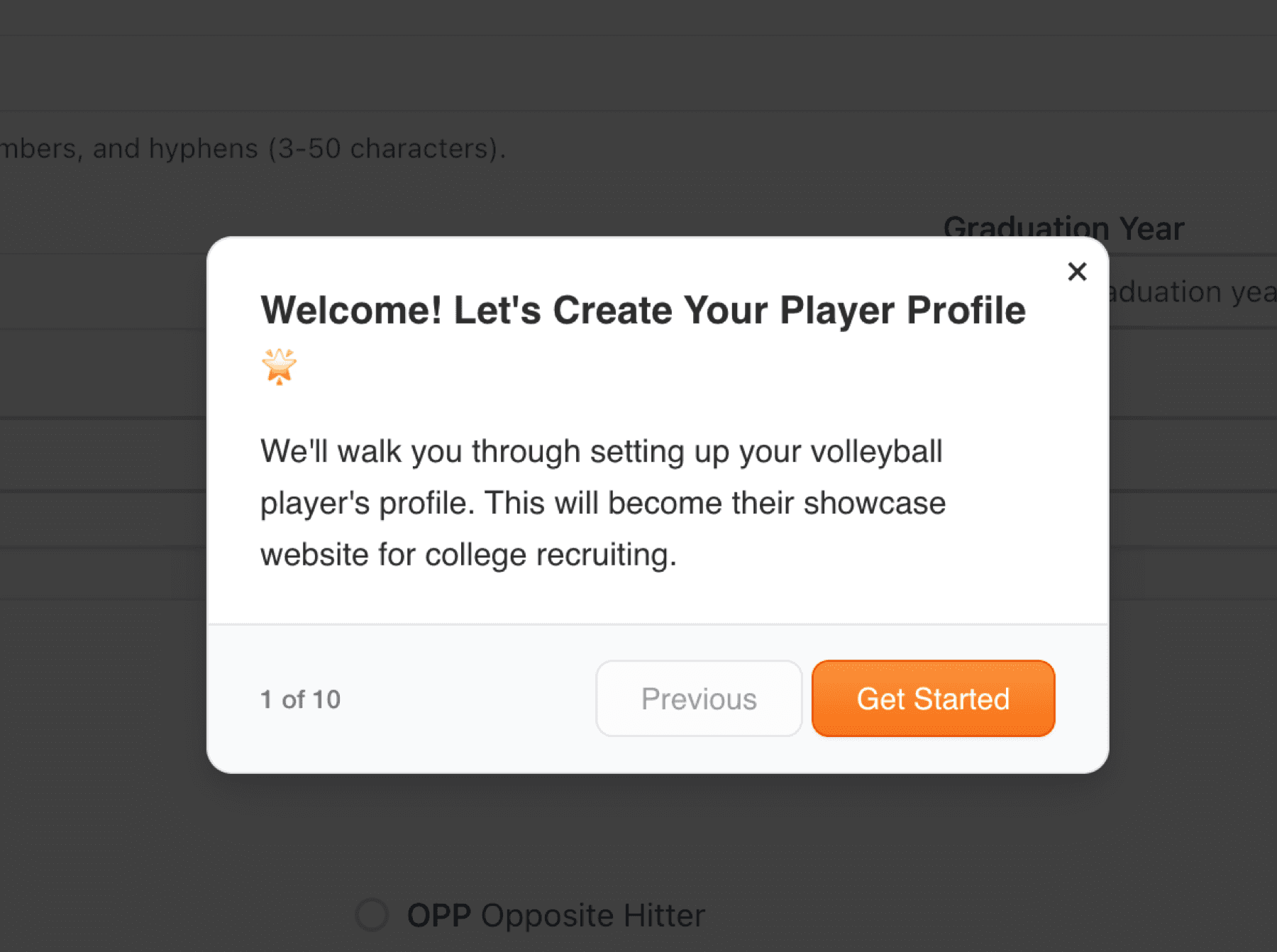
Before creating your player profile, you'll see helpful tours throughout the platform. These interactive guides walk you through each feature step by step. Click 'Start Tour' to learn as you go, or skip if you prefer to explore on your own.
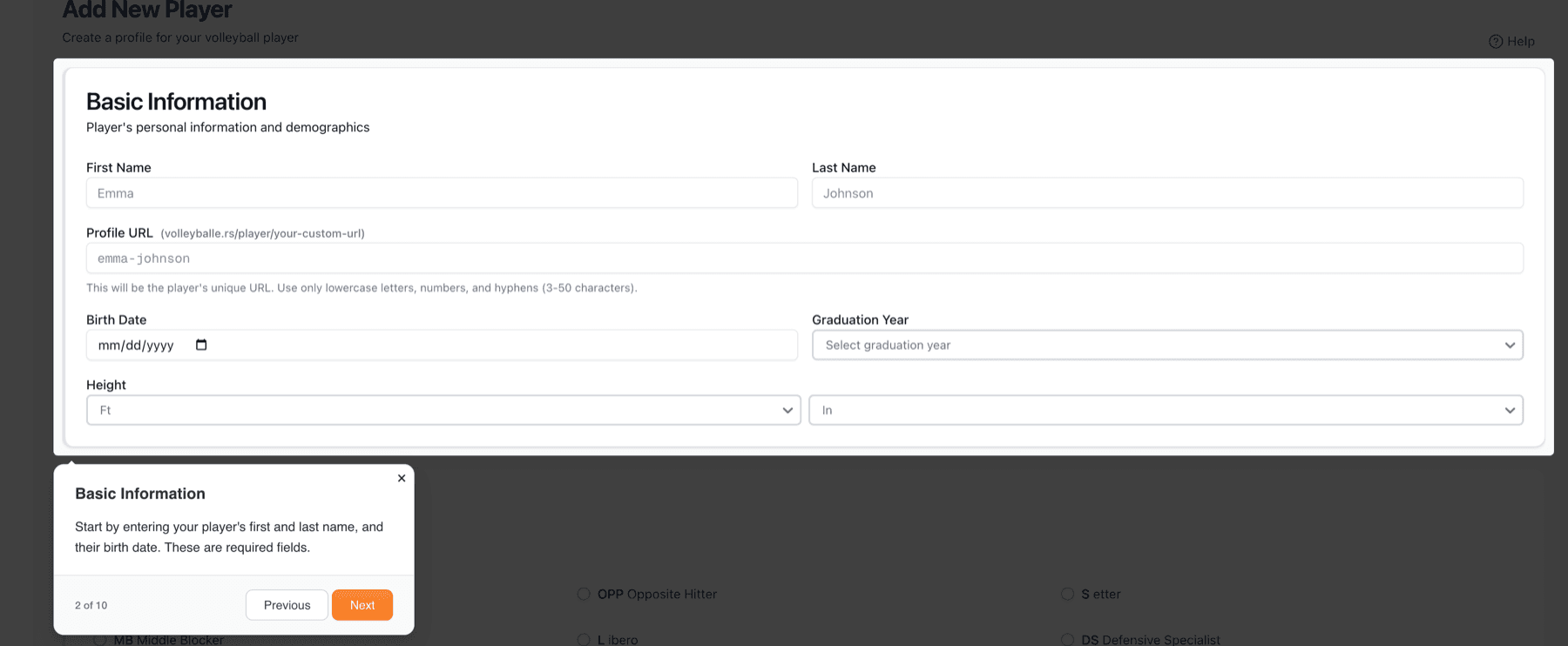
The tours show you exactly what to do, with visual indicators and clear instructions. They're designed to make setup easy and do not require a lot of technical expertise. You can always launch Tour manually on this and every other page on your dashboard.
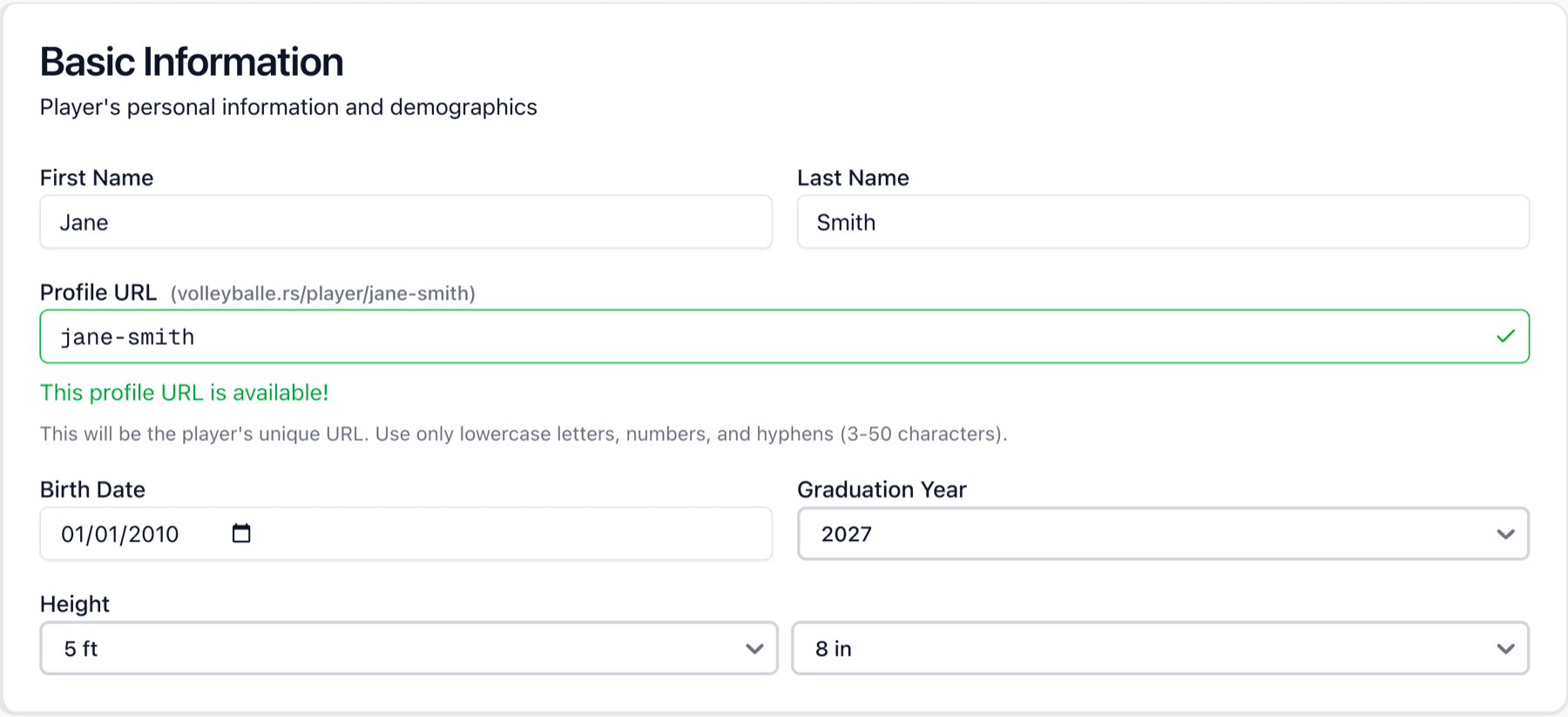
Start by entering your athlete's basic information. Choose a unique profile URL (this will be their showcase address - like https://jane-smith.volleyballers.com). Enter their name, birth date, graduation year, and height. This information helps recruiters find players in their recruiting class.
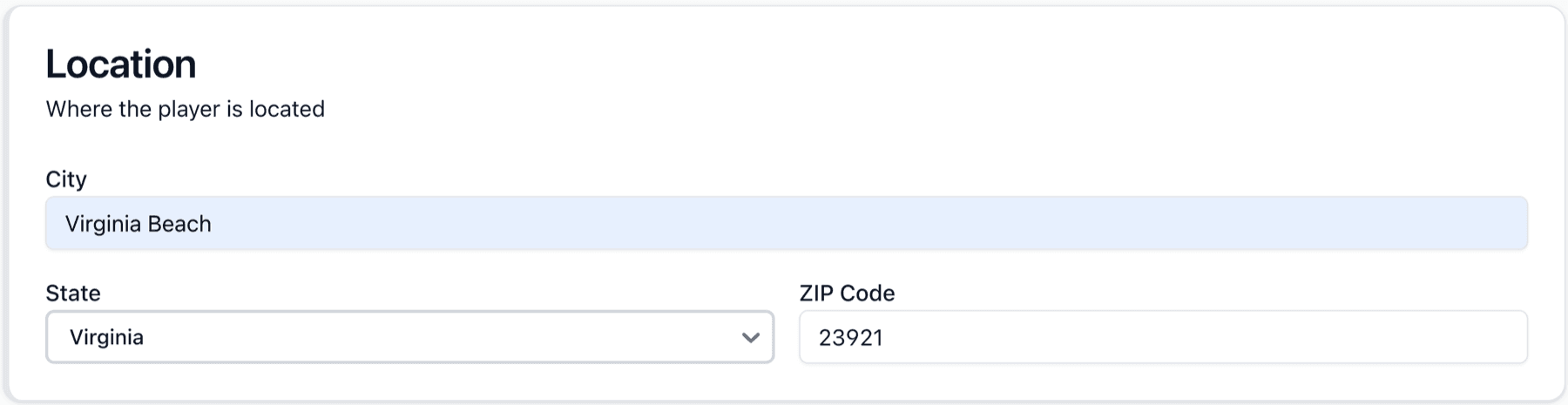
Enter where your player is located (City, State, and ZIP code). This information appears on the public showcase.
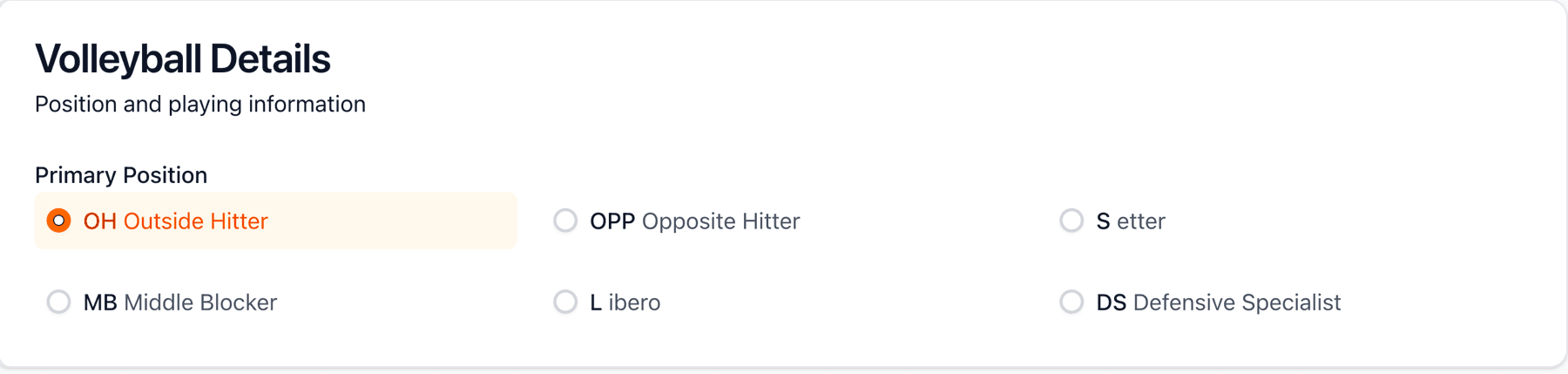
Select your player's primary position. Choose the one that best represents where your athlete plays most often. Don't worry if they're versatile, you can highlight multi-position capabilities in the bio.
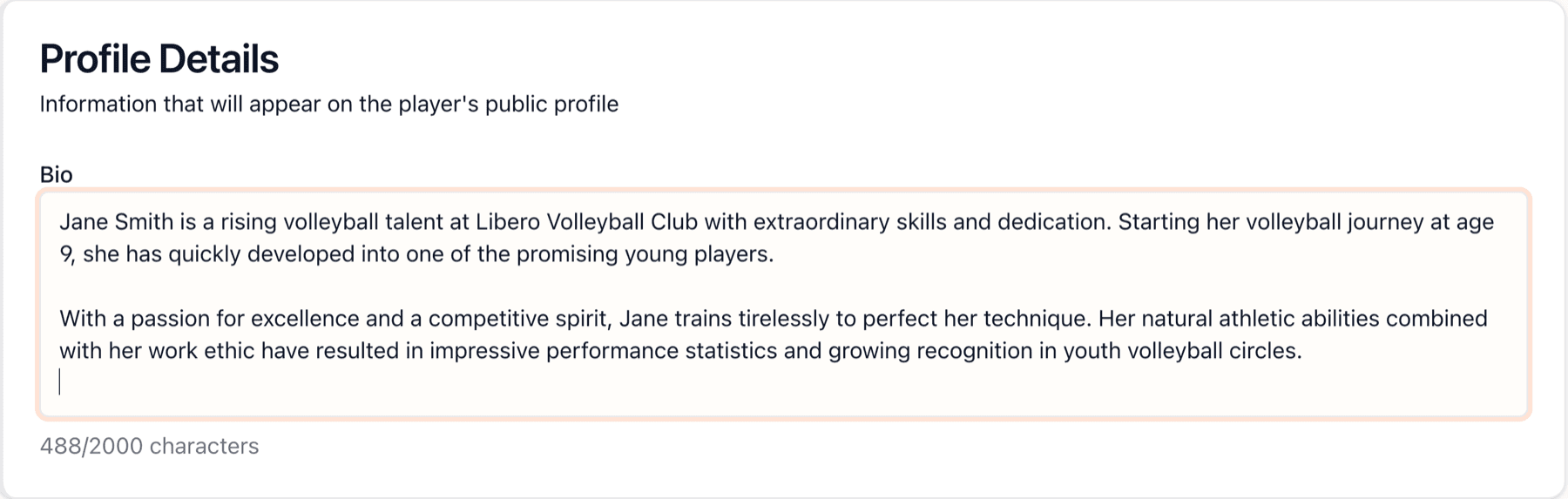
Write a compelling bio that showcases their volleyball journey, dedication, and personality. Share their passion for the game, key achievements, and what makes them special.
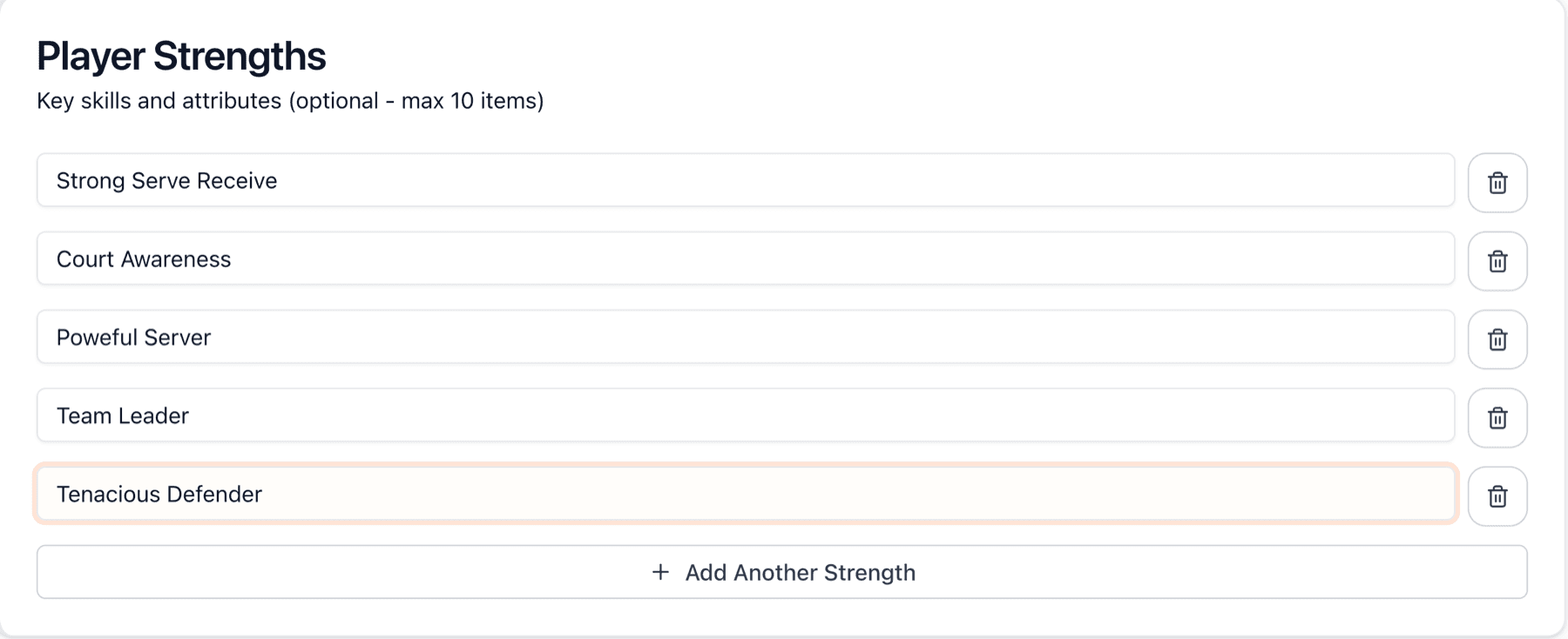
Player strengths help recruiters quickly understand your athlete's key attributes. This section is optional but highly recommended for Recruiting Pro profiles. You can add up to 10 specific skills or attributes that make your player stand out.
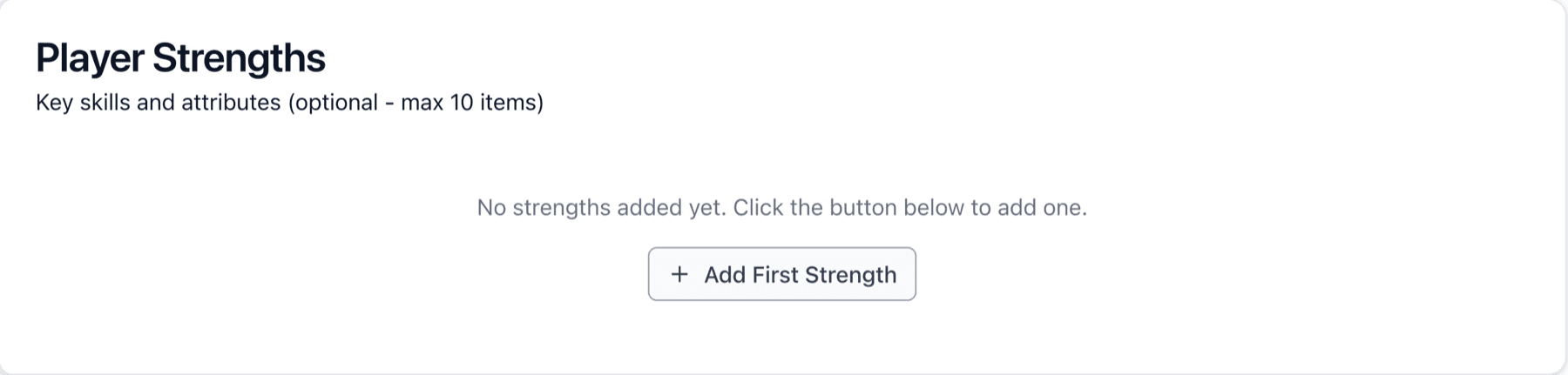
Add specific, concrete strengths that recruiters can quickly scan. Think 'Strong Serve Receive,' 'Powerful Server,' 'Court Awareness,' or 'Team Leader.' These quick tags help in understanding your player's game at a glance. Each strength you add makes the profile more complete and searchable.
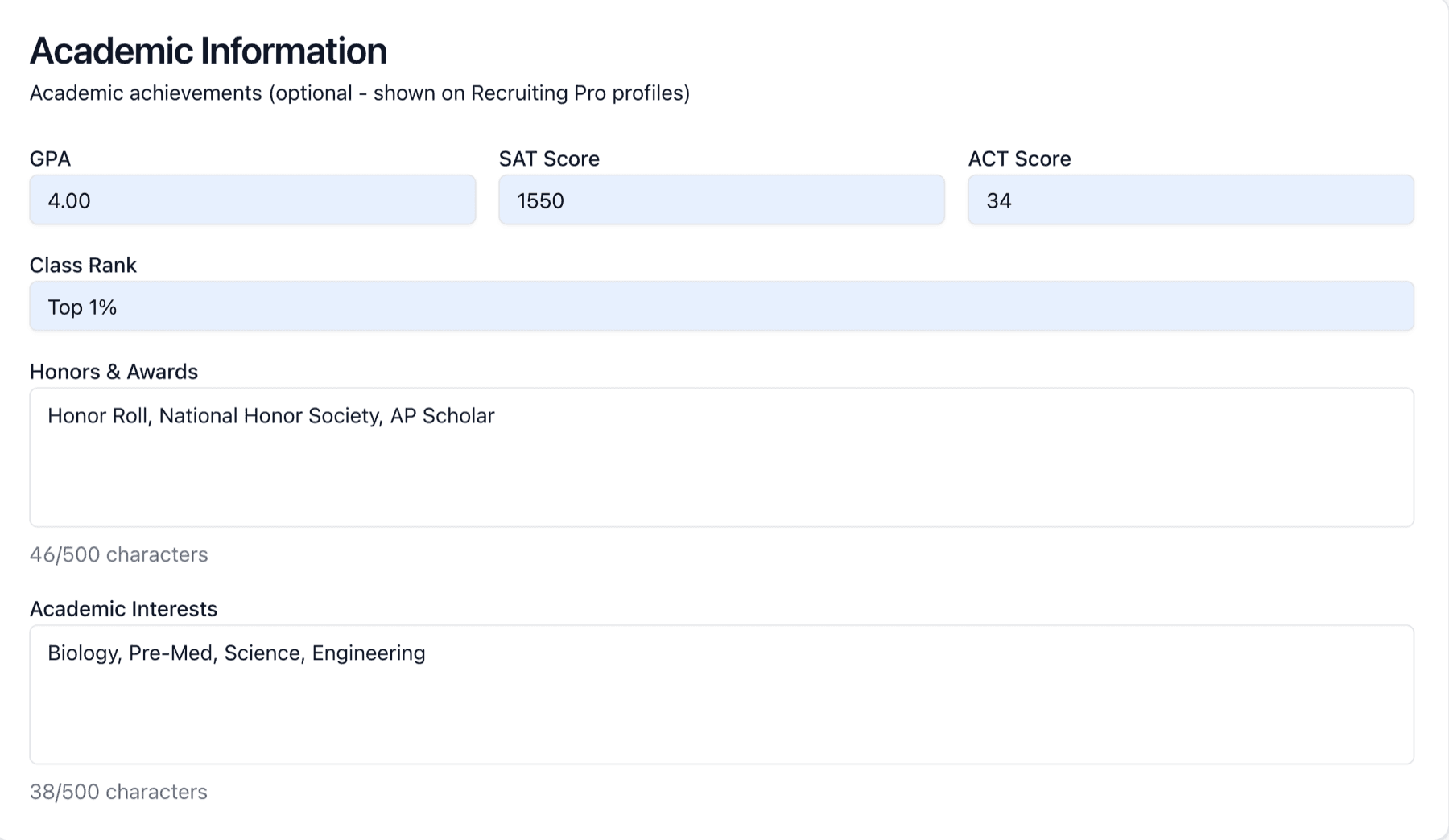
This optional section (shown on Recruiting Pro profiles) lets you showcase your player's GPA, test scores, class rank, honors, and academic interests; grades and test scores can open doors to academic scholarships too.
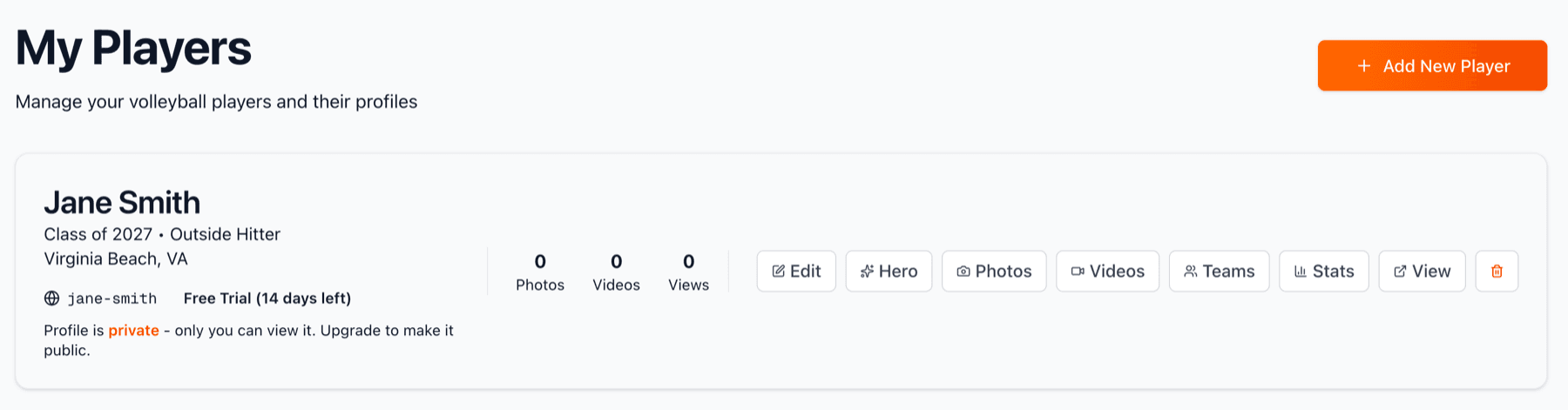
Your player profile is created and now appears in your dashboard. You can see the profile card showing basic information, current stats (all zeros for now), and quick action buttons. From here, you can edit the profile, manage photos and videos, add team affiliations, enter statistics, or view the public showcase. Your player is in 'Free Trial' mode with 14 days left to explore all features!