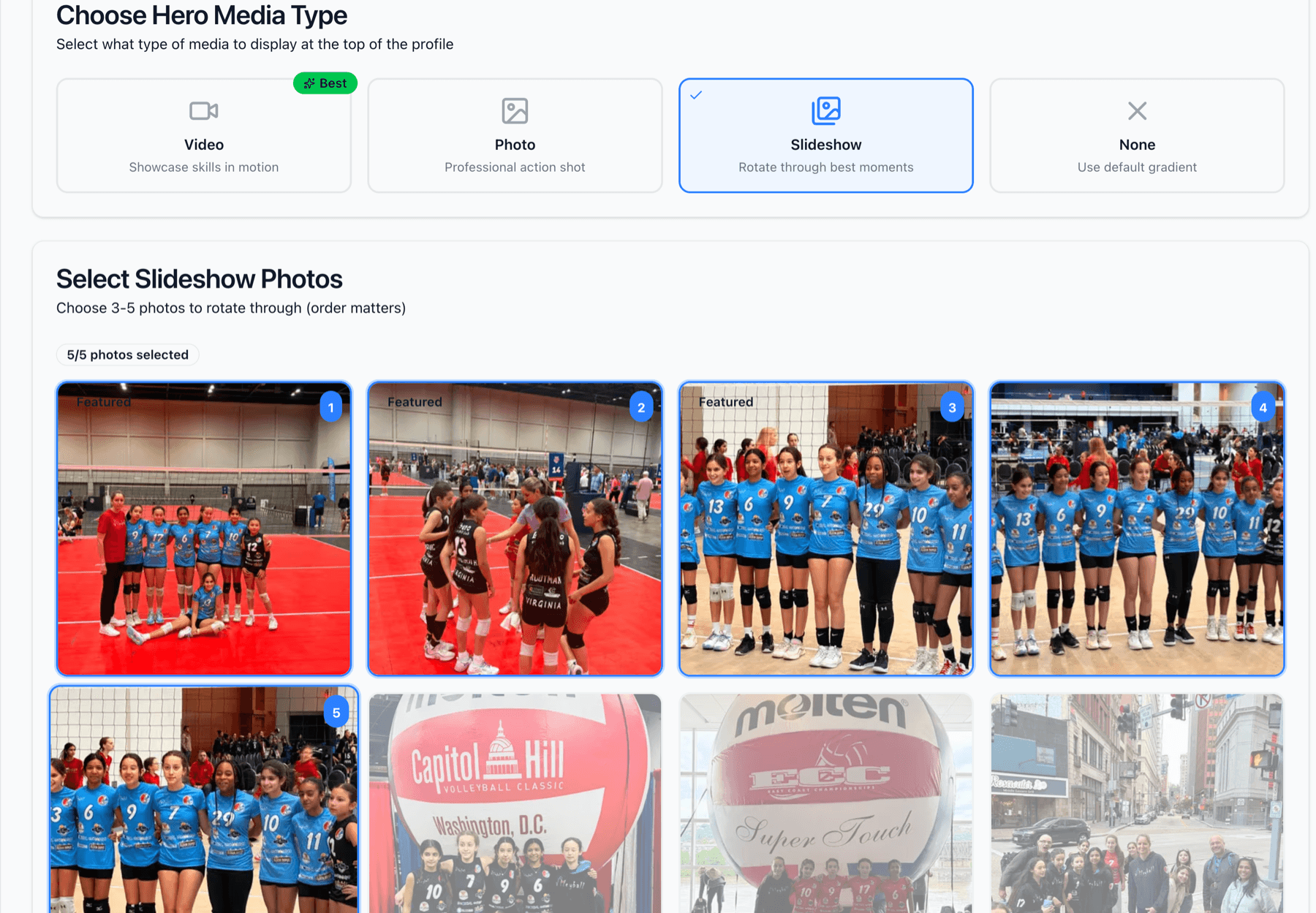
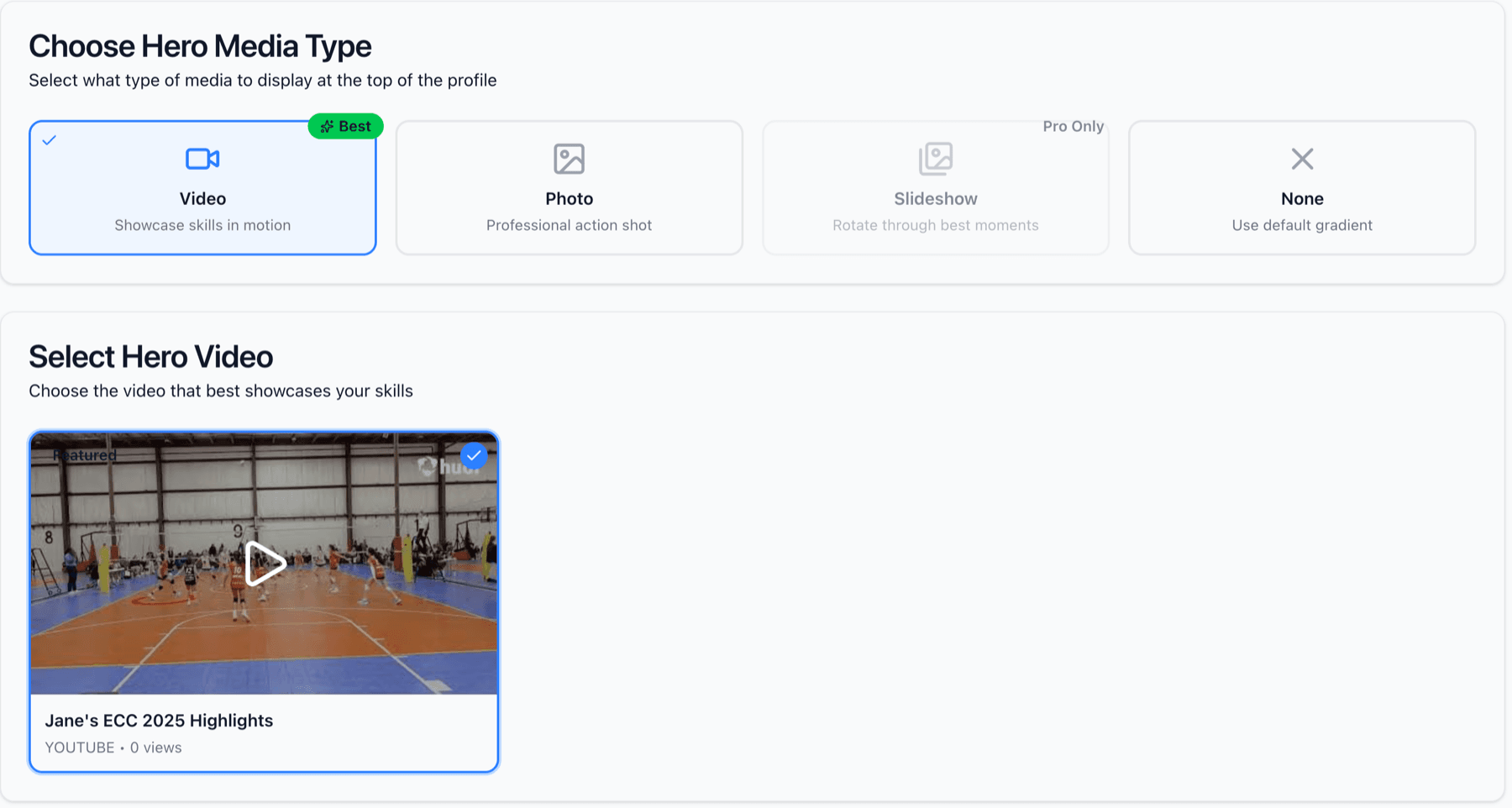
The hero media is the first thing visitors see at the top of your player's showcase page. Choose between a single powerful action photo, a highlight video, an automatic photo slideshow (Recruiting Pro only), or no hero media (default gradient). This choice sets the tone for the entire profile, so pick something that captures your player's best moment or skills.
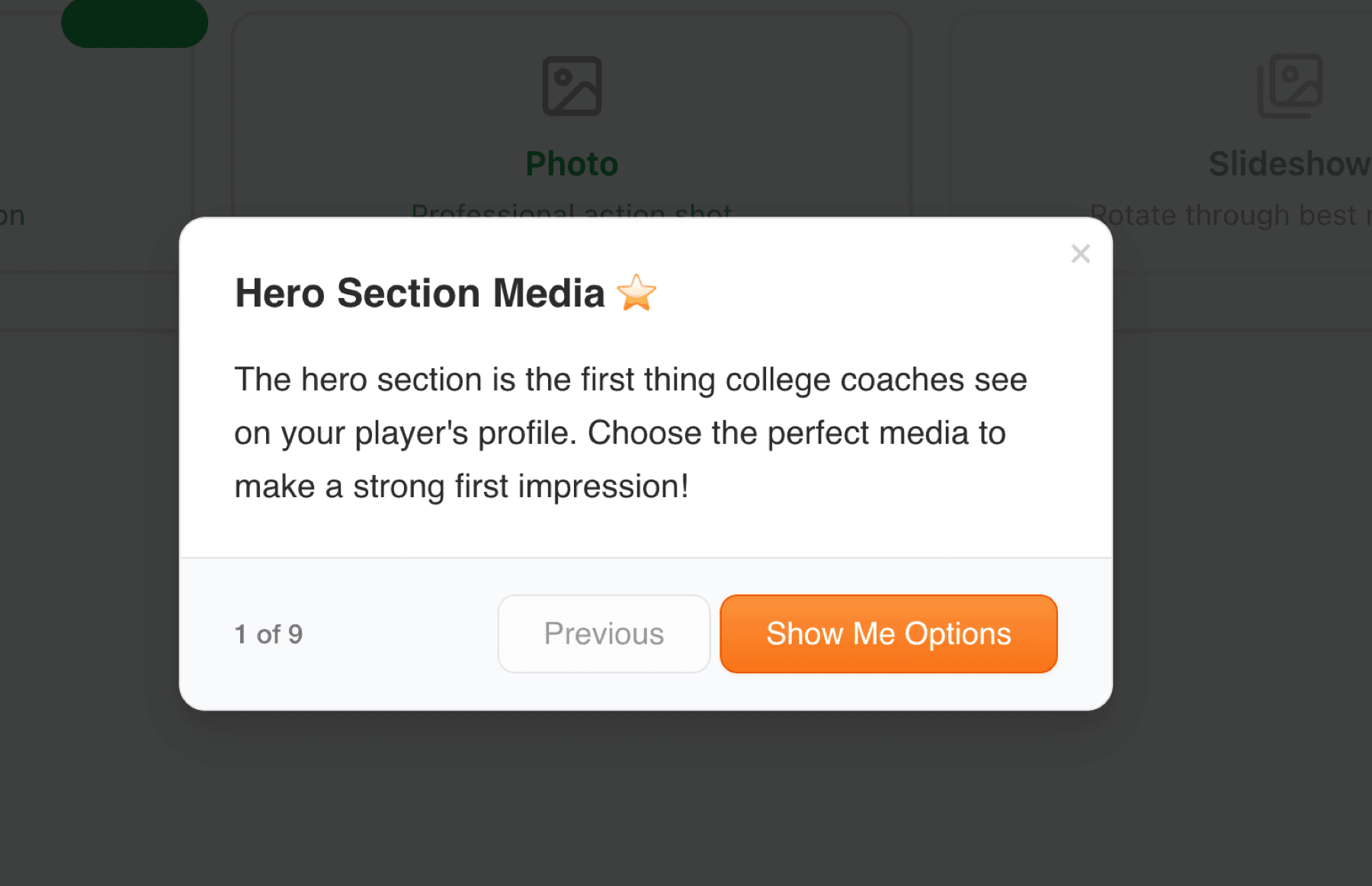
This tour walks you through each hero media type. Video shows skills in motion (great for recruiting), Photo creates a professional first impression, Slideshow rotates through your best moments (Pro feature), and None uses a clean gradient background. Each option creates a different feel for your showcase.
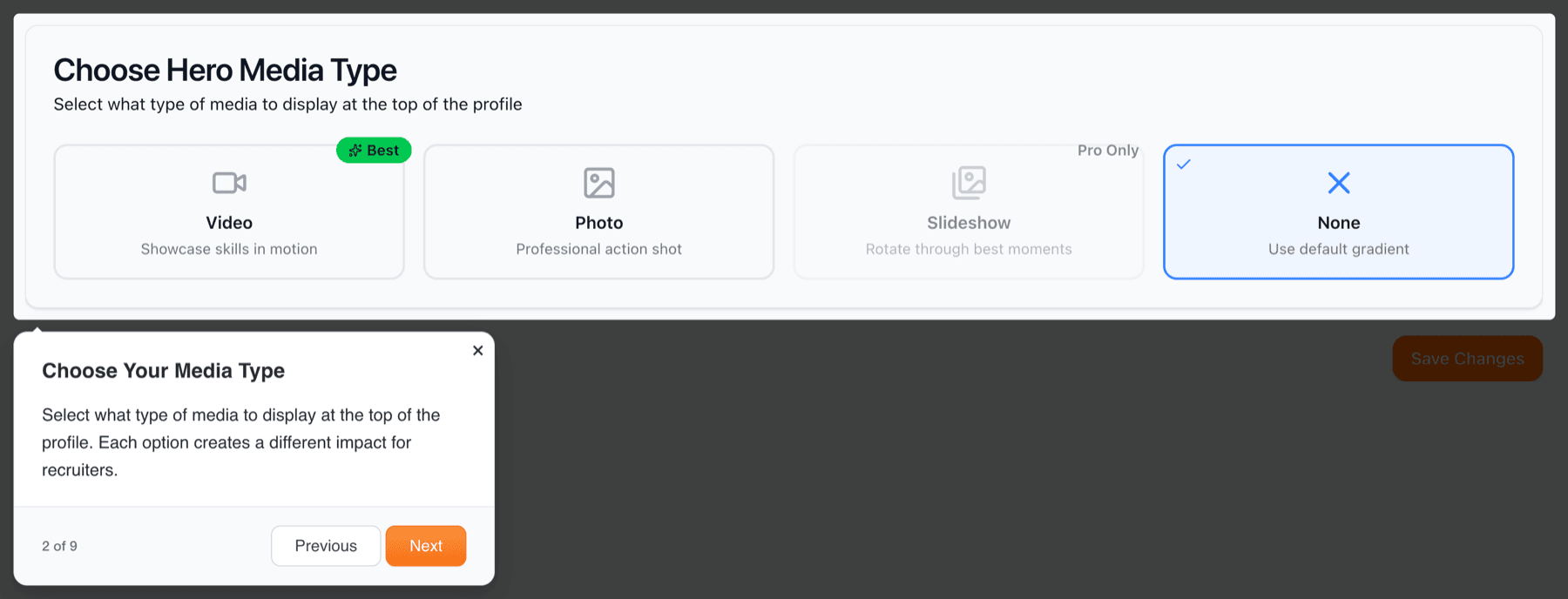
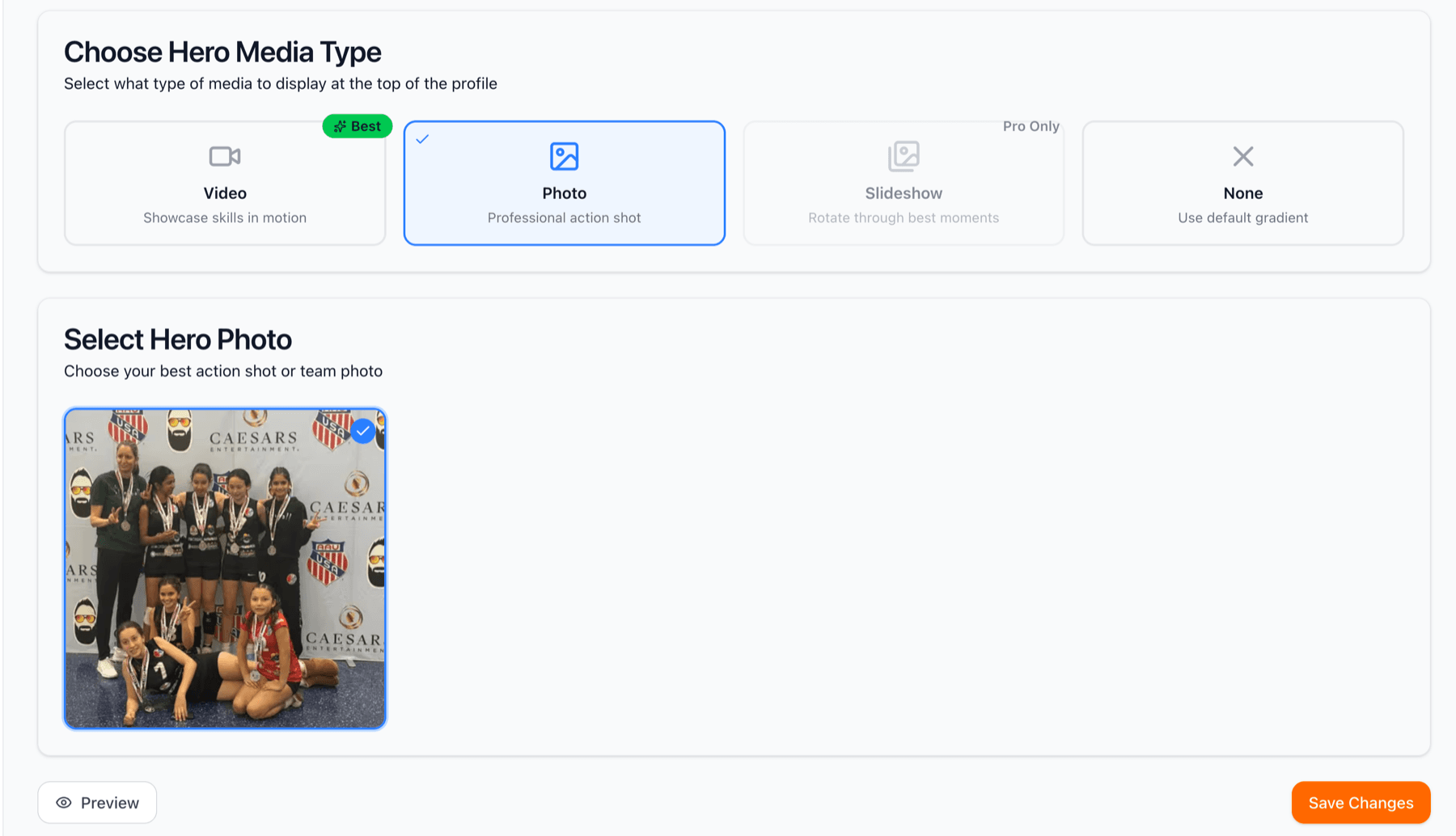
When you choose 'Photo,' you'll see all your approved photos. Select the one that best represents your player, ideally an action shot that shows them mid play, demonstrating skill and athleticism. A powerful spike, an impressive block, or a diving dig all make great hero photos. The selected photo will appear full width at the top of the showcase.
When you choose 'Video,' you'll see all your added videos. Select your best highlight reel or most impressive skills video. This will auto play (muted) when visitors land on the showcase, immediately demonstrating your player's abilities. For recruiting, choose a concise highlight video that shows your player's best plays within the first 30 seconds.
The slideshow option (available with Recruiting Pro) automatically rotates through your best photos, creating a dynamic, engaging header. This is perfect if you have multiple great shots and can't choose just one. The slideshow keeps the showcase feeling fresh and showcases multiple moments from your player's journey. Visitors see a new photo every few seconds, highlighting your player's versatility and achievements.