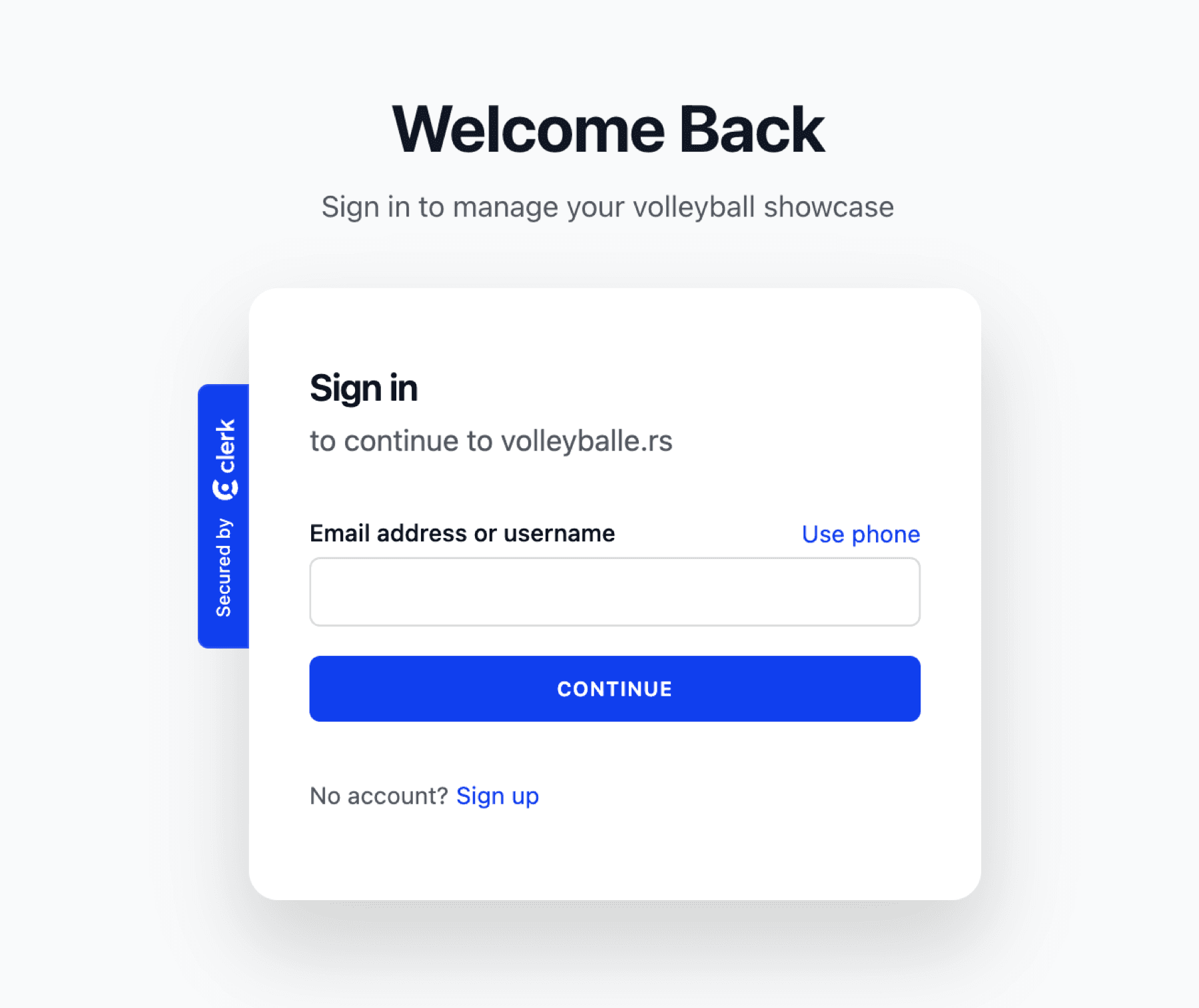
Your player's volleyball journey begins here. This is the sign-in page where returning parents can access their accounts. If you're new here, you'll click 'Sign up' to create your parent account and start building your athlete's showcase.
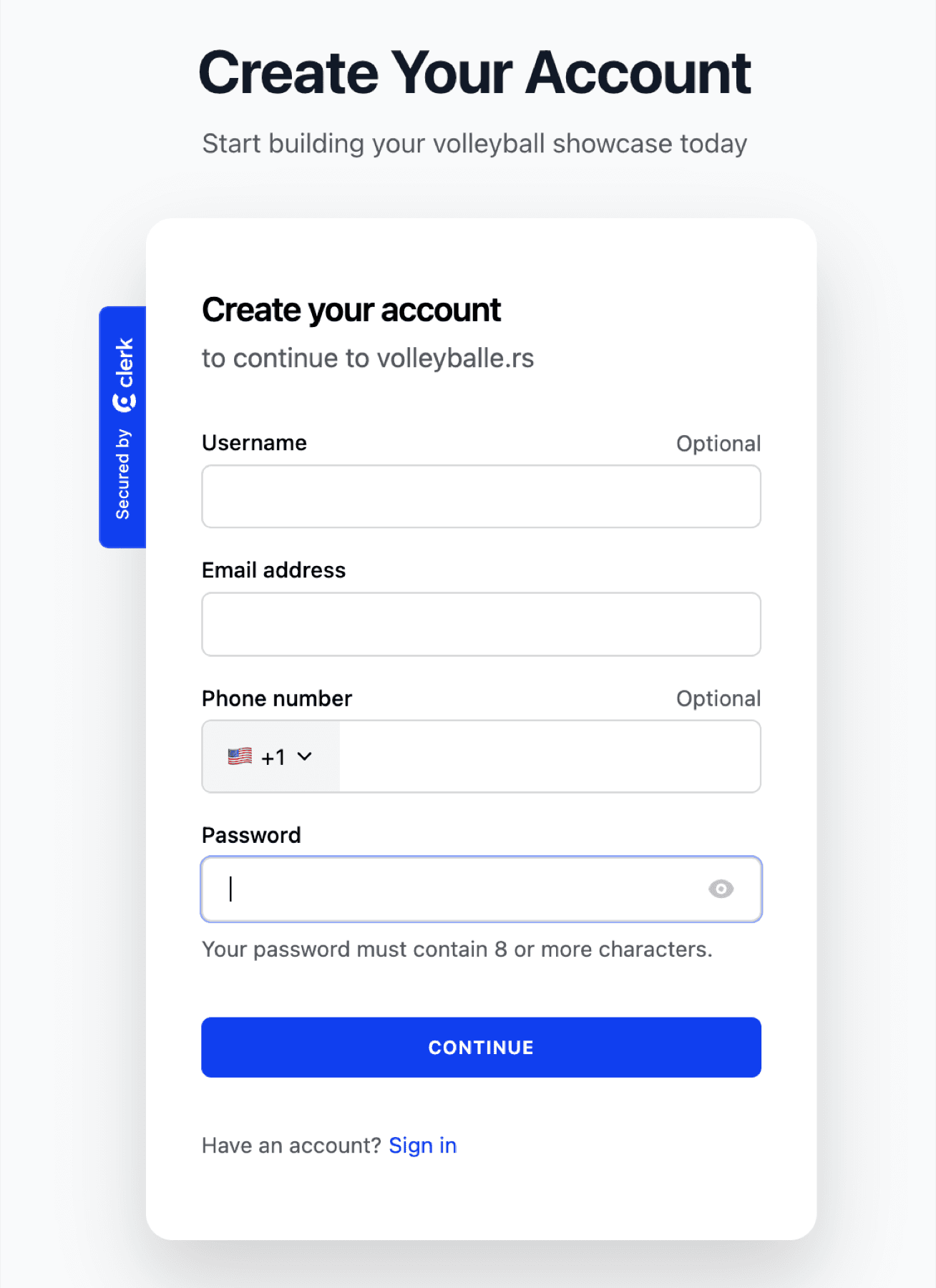
Fill in your information to create your parent account. You'll need an email address and a strong password. The username is optional but can be helpful if you want a personalized login.
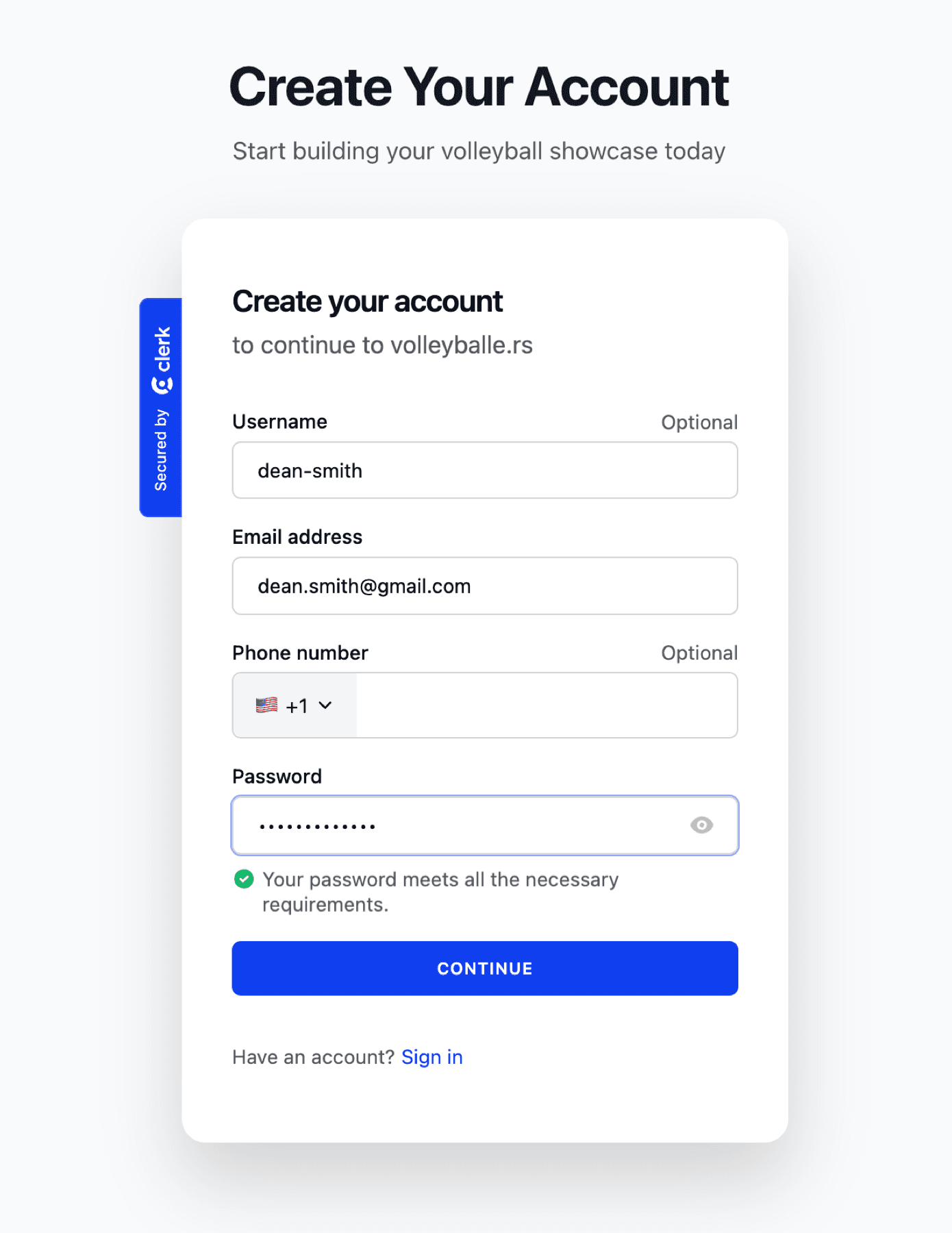
Here's what the form looks like when filled out. Make sure your password meets the security requirements (8+ characters). Your email will be used for important notifications about your player's account, including when photos are approved.
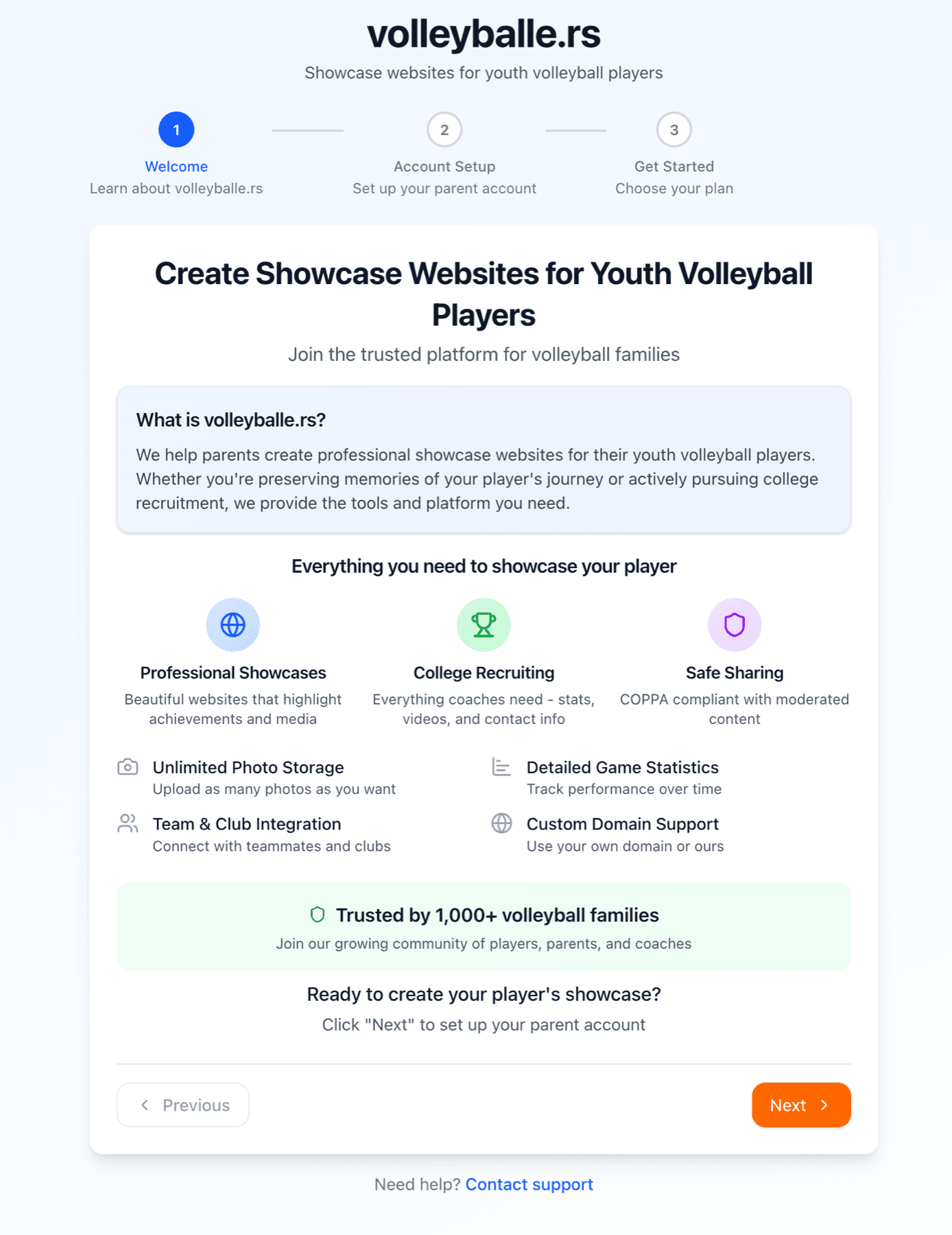
After creating your account, you'll see our welcome guide. This introduces you to the platform's core purpose: helping parents preserve precious memories of their child's volleyball journey while providing a professional showcase for college recruiting. Take a moment to understand what makes Volleyballers special.
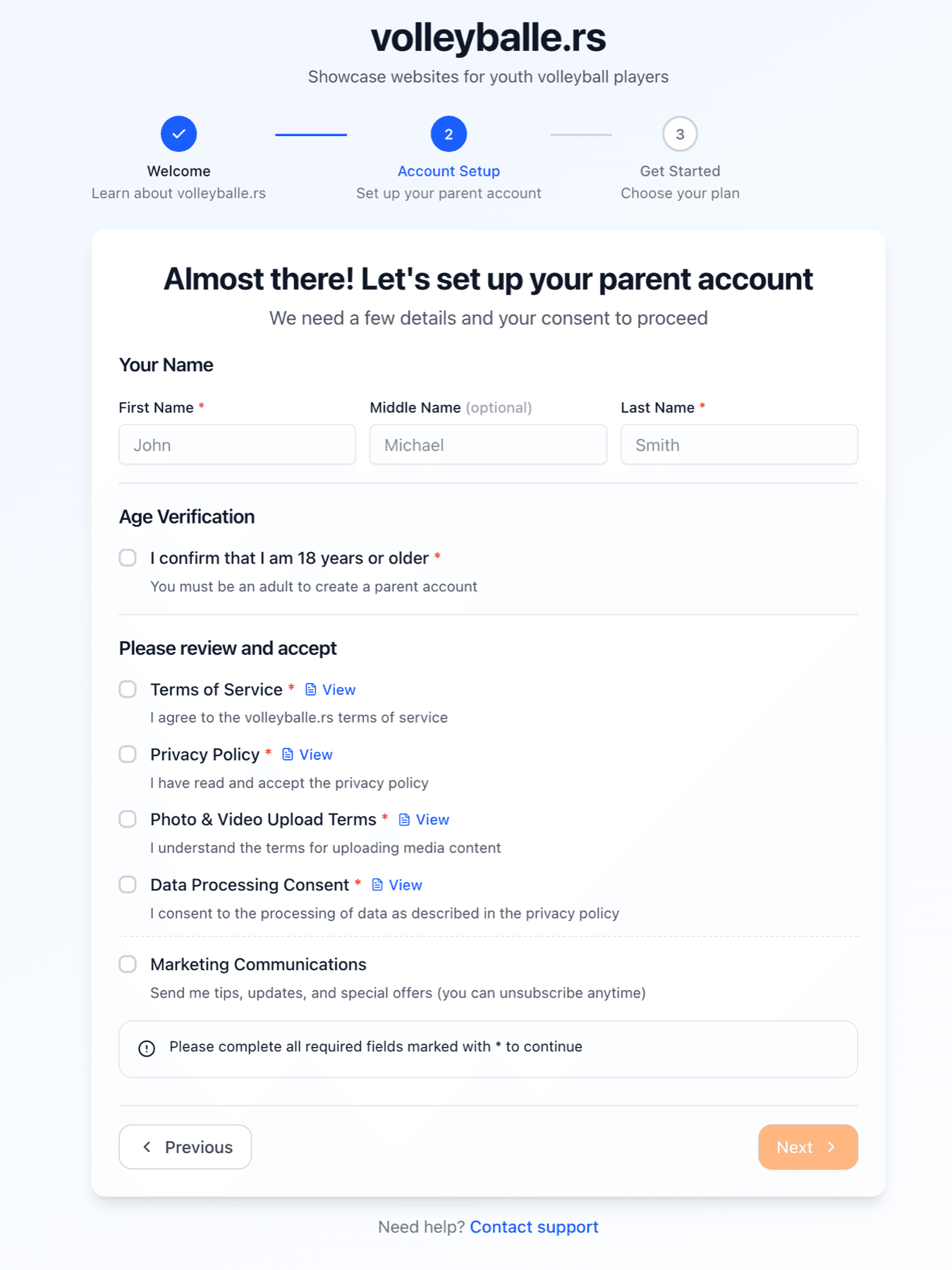
The next step is to set up your basic account details. We need your name for account management and your consent to our terms of service. You must confirm you're 18 or older. We also ask you to review our privacy policy, photo upload terms, and data processing consent as these protect both you and your athlete.
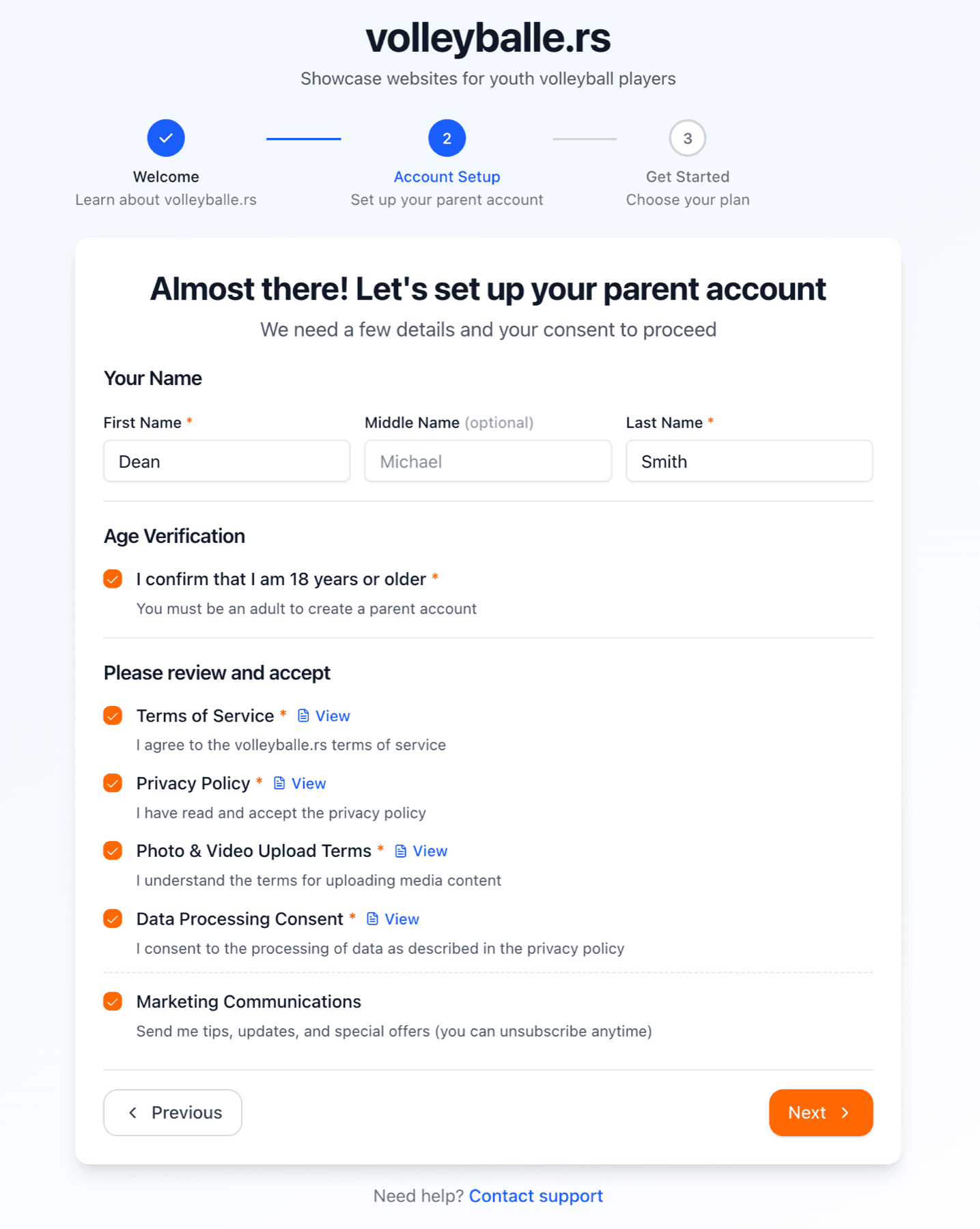
Here's what it looks like with all required fields completed. The marketing communications checkbox is optional, check it if you want to receive tips, updates, and special offers (you can unsubscribe at anytime). Once everything is filled out, click 'Next' to continue.
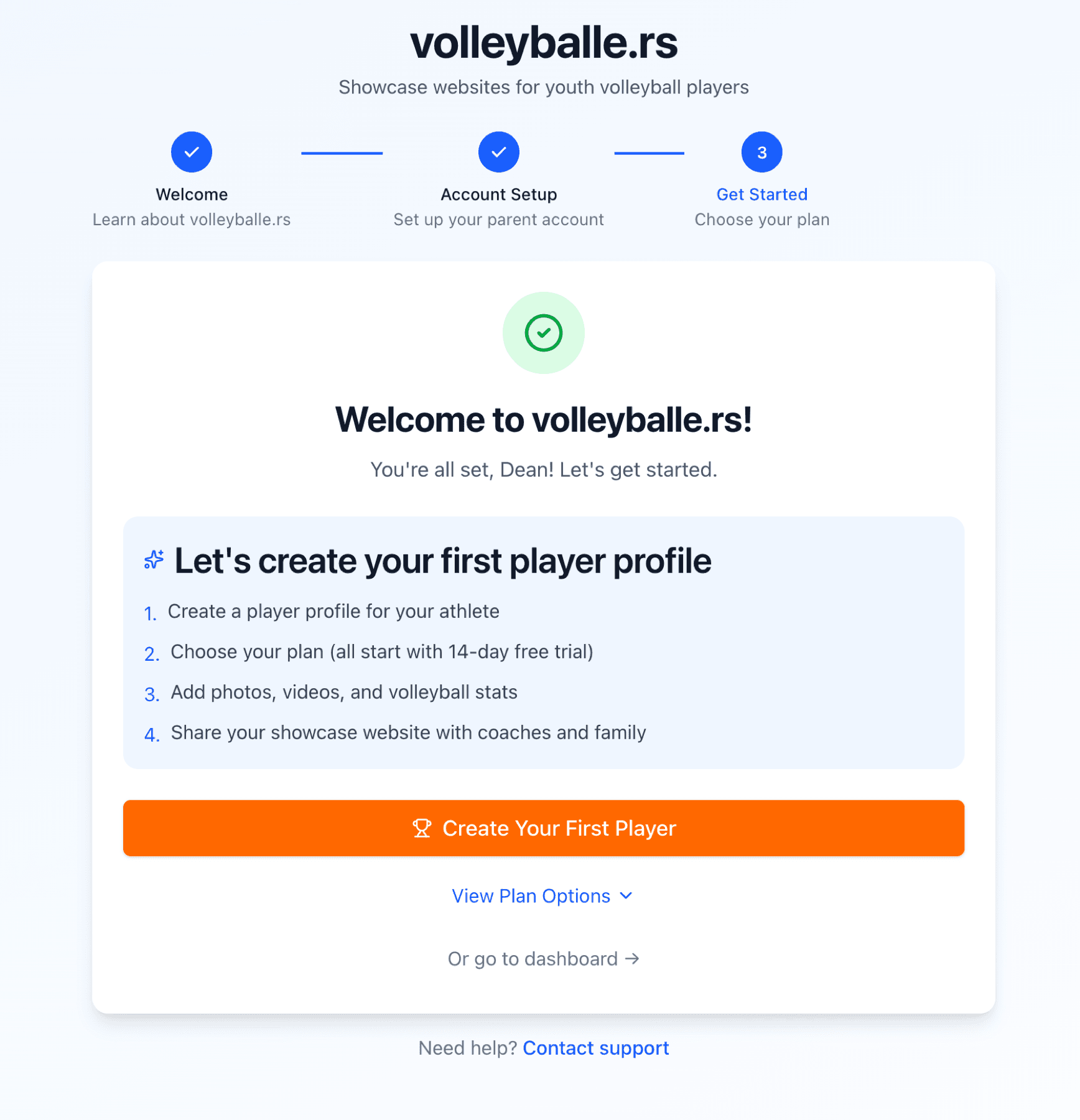
Your account is created and ready to create your player's profile. Click 'Create Your First Player' to begin building your athlete's showcase. You can also view plan options or go directly to your dashboard.
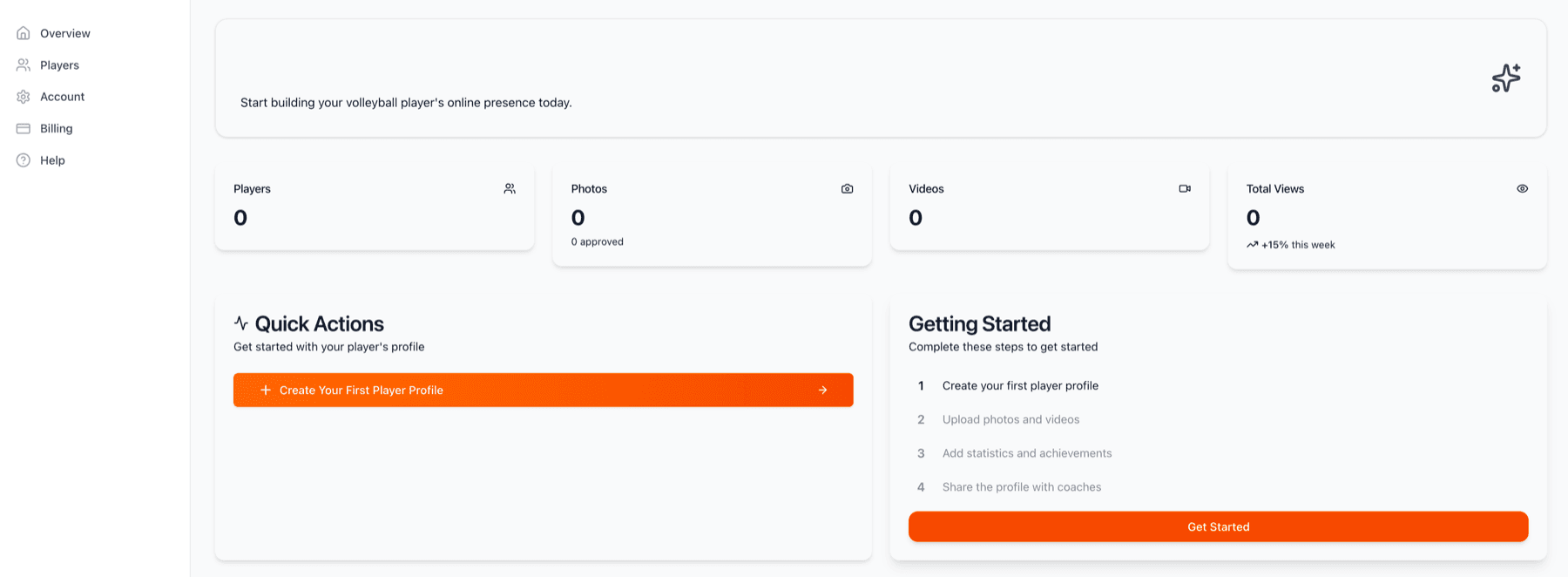
This is your dashboard, your home base for managing your player's volleyball showcase. Right now it's empty, but soon it will show statistics on your players, photos, videos, and total views. The 'Getting Started' checklist helps you complete initial setup. Click 'Create Your First Player Profile' to begin the exciting journey!